What it does
Everything you do to sell, in one place
Type it once and it shows up everywhere it is needed. Here is what AnyBiz covers, and how it looks in use.
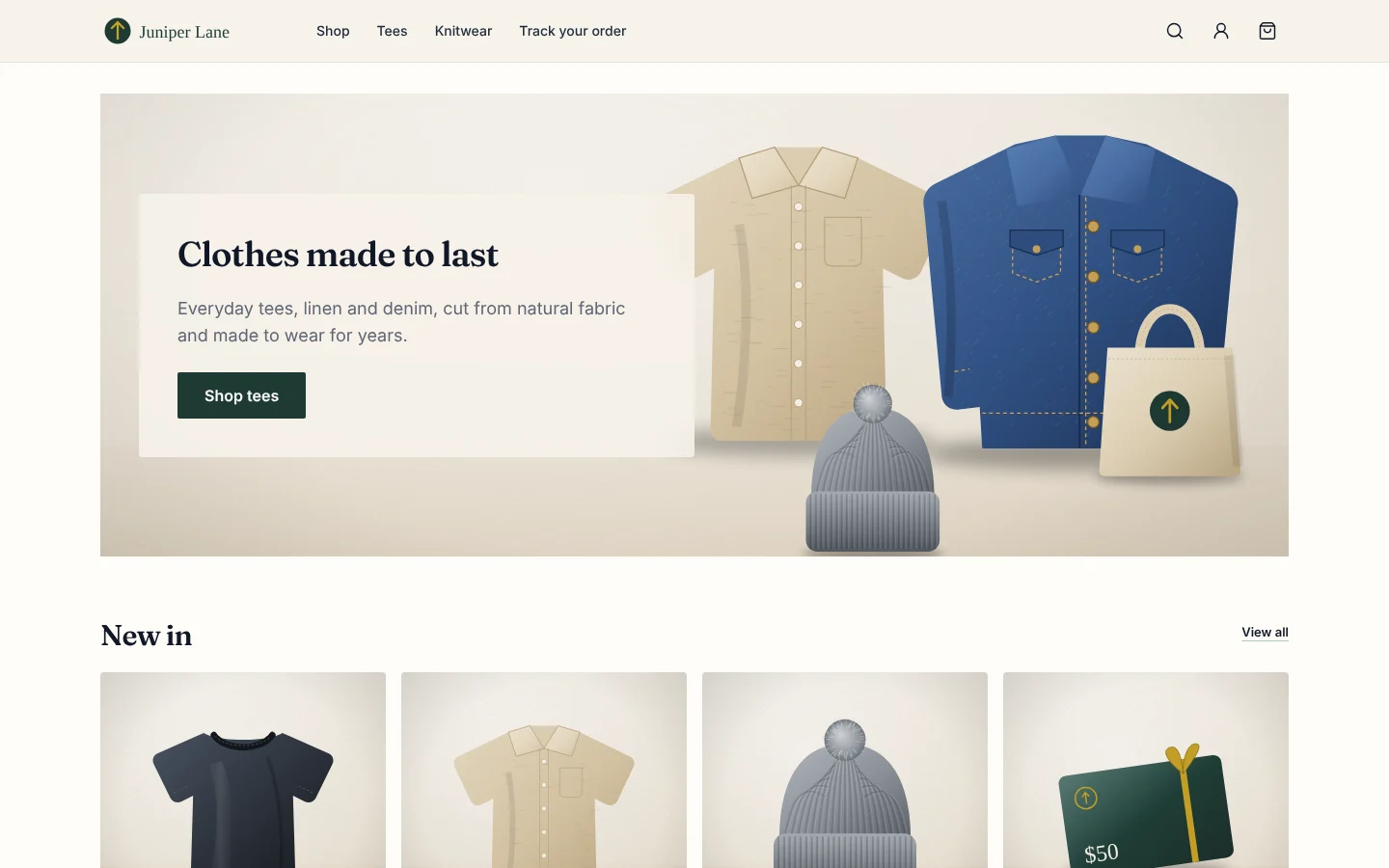
Sell
Sell in your shop, online and over the phone
One catalog and one set of prices, whichever way the customer buys.
- Catalog
- Products and services with photos, sizes, colours and your own extra fields.
- Prices, sales and discounts
- Price lists for each customer, sales, discount codes and free shipping rules, worked out the same way everywhere you sell.
- Online shop and counter
- A shop your customers order from, and a till for the counter, both using the same stock and prices.
Run
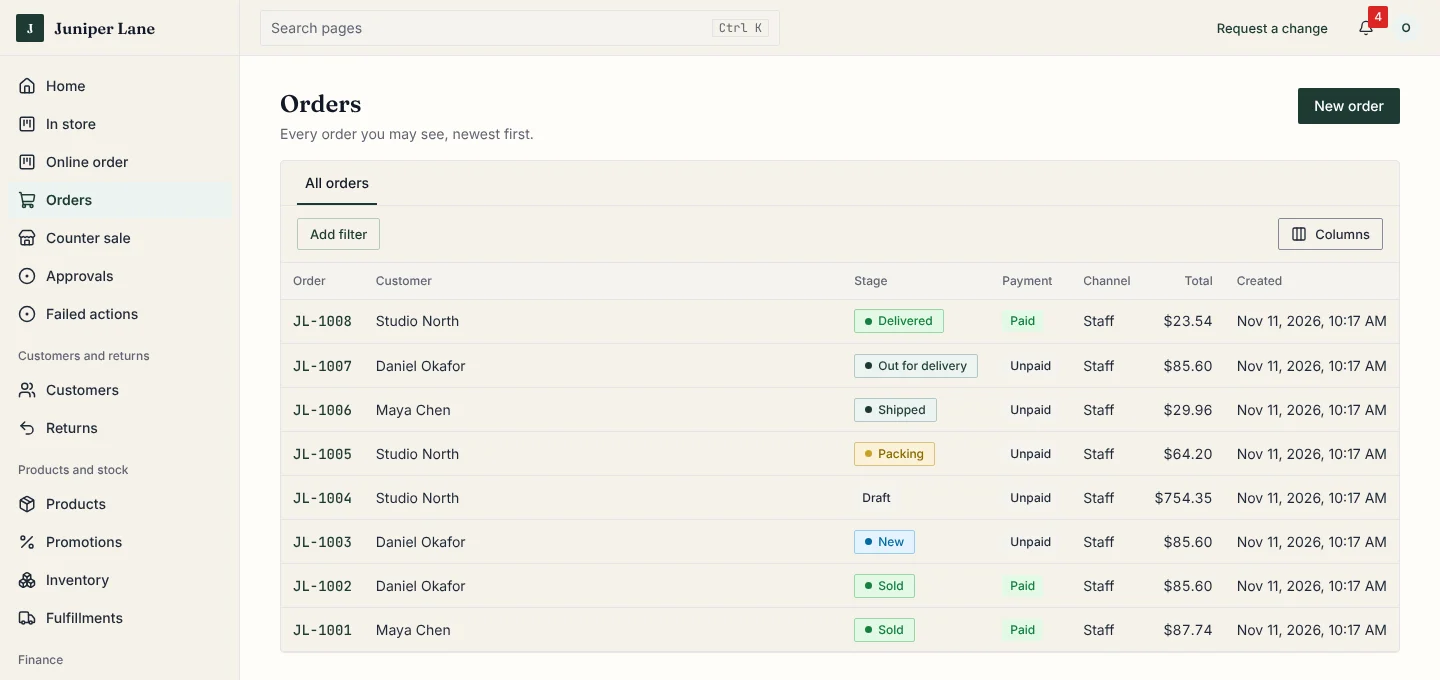
Follow every order and booking through your own steps
Steps you name, such as Packing or Waiting for parts. Nothing gets lost between people.
- Orders with your own steps
- Each order moves through the steps you define, and your customer can follow along.
- Stock
- Quantities by shop and warehouse, every change recorded, and a low-stock list so you reorder in time.
- Shipping and tracking
- Labels, parcels from more than one warehouse, and a tracking link for your customer.
- Bookings and calendar
- Appointments, classes and rentals on one calendar, with no double bookings.
Get paid
Get paid and keep books that always agree
Every sale, refund and payment lands in your books as it happens.
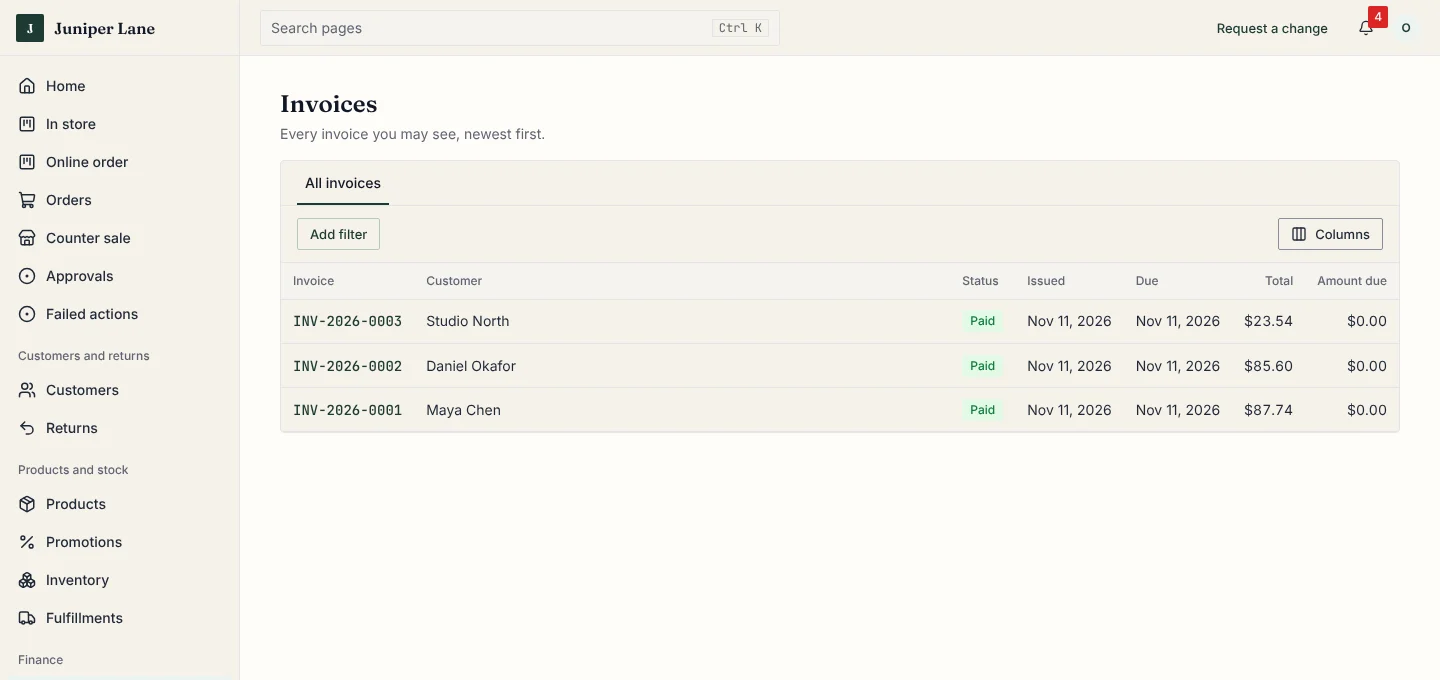
- Invoices and payments
- Make an invoice from an order, take card, cash or bank payments, split a bill, and record tips with the payment.
- Sales tax
- Sales tax, VAT or GST worked out on each sale from your tax settings.
- Real accounting
- Every sale, refund and payment is posted to your books automatically, so the numbers always agree.
Make it yours
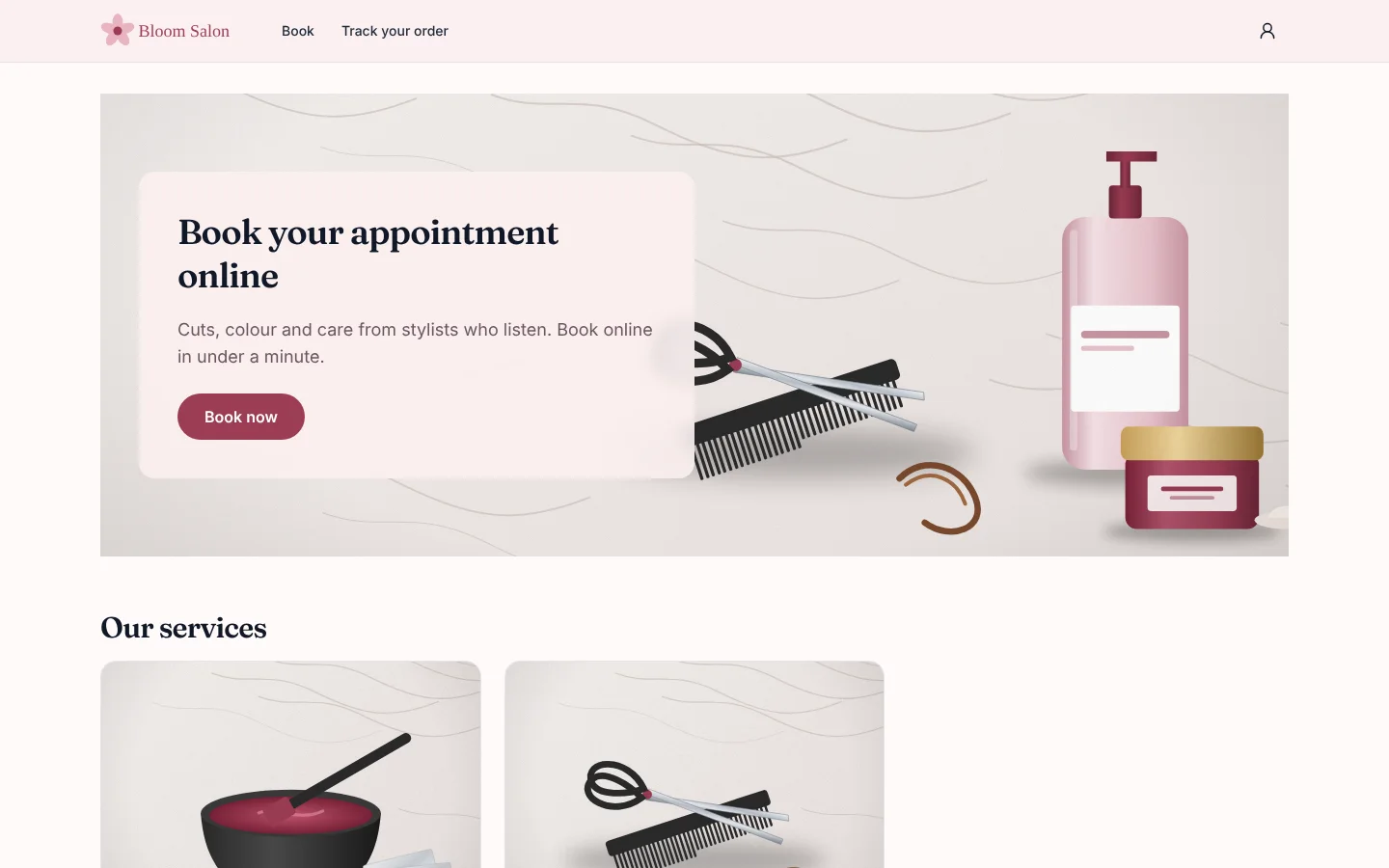
Looks like your business, not ours
Your name, colours and logo everywhere your customers and your team look.
- Your brand
- Your colours, logo and fonts on your back office, customer site, invoices and emails.
- People and roles
- Each person sees and does only what their role allows, and changes are recorded.
- Set up by us
- We add your products, steps and look, and show your team how to use it.
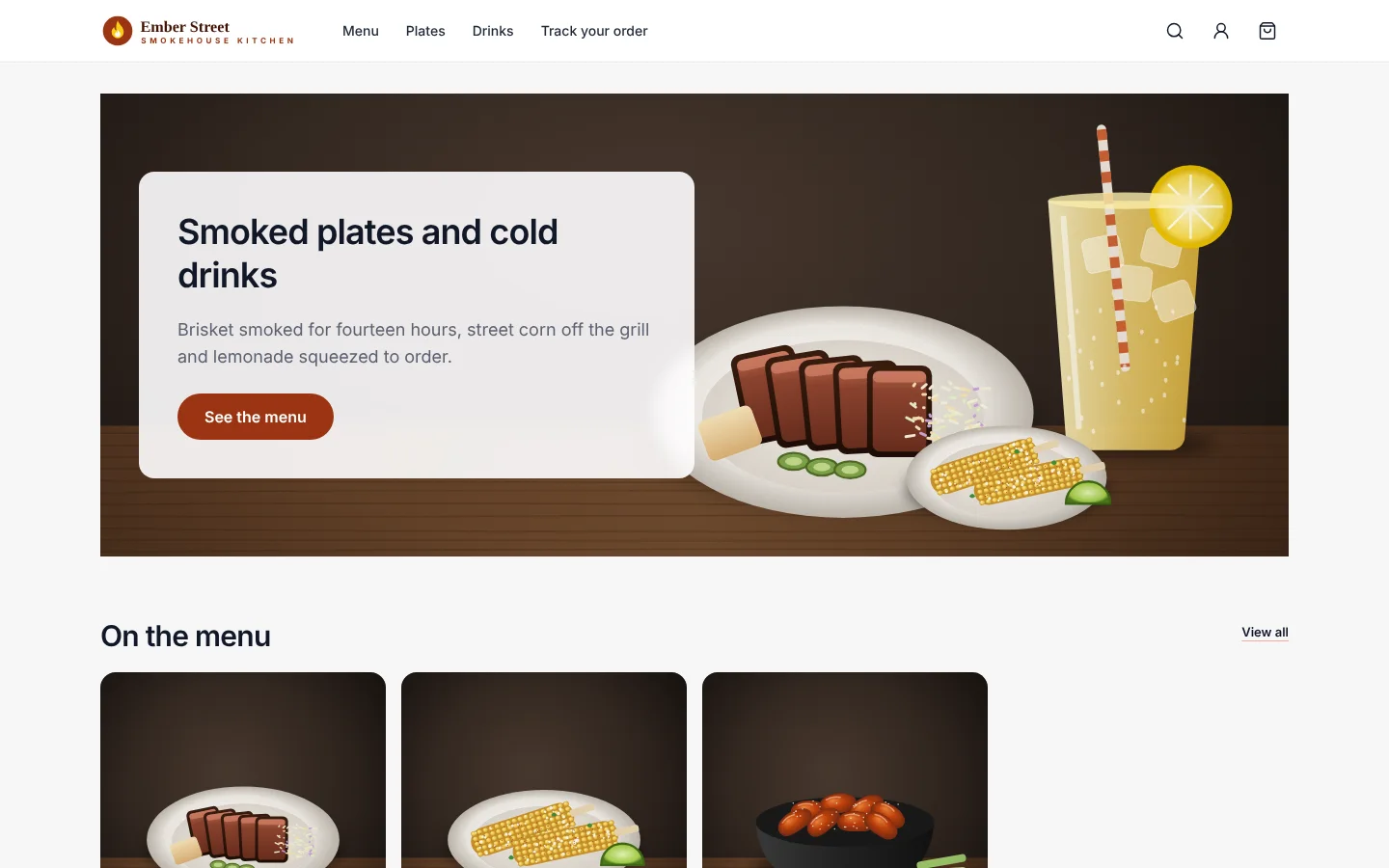
Two sample businesses, two looks, one system
One order, followed all the way
Type it once. It shows up everywhere it is needed, with nothing to retype.
- Order comes inOnline, at the counter or by phone.
- Stock goes downIn the right shop or warehouse.
- It moves through your stepsPick, pack, bake, repair: your own.
- Invoice is sentWith tax worked out.
- Books are updatedPayment lands in your accounts.