Software for repair and service businesses Follow each job through your own steps, from drop-off to pick-up. The quote, parts, labour and invoice stay together on the job, and customers can see where it is.
Free, online, 30 minutes. We prepare it for your repair and services.
Sound familiar?
The things that slow you down I cannot tell which jobs are waiting for parts and for how long. Customers keep calling to ask where their device is. Quotes and invoices are typed out again for every job. Technicians do not know what to work on next. Parts used are not charged because nobody wrote them down. How AnyBiz handles it
Made for how a repair and services works A board of your own steps Jobs move through steps you define, such as Received, Waiting for parts and Ready for pickup. Each step can have its own rules.
Example: A job in Waiting for parts shows how many days it has been there, so nothing is forgotten.
Quotes customers can accept Send a quote with a link. When the customer accepts, it becomes the job.
Example: A customer accepts a quote on her phone while on the bus, and the job appears on the board.
Parts, labour and time on the job Technicians log time and parts on the job from a phone. Sales tax is worked out on the invoice.
Example: Two hours and one part become the invoice lines, with tax added.
Tracking link for the customer The customer opens a link and sees the step the job is in. No call needed.
Example: 'Ready for pickup' appears on the link and the customer gets an email.
See it work "Is my phone ready yet?" stops Every job on one board, the customer is told by text at the right moment, and payment closes the job.
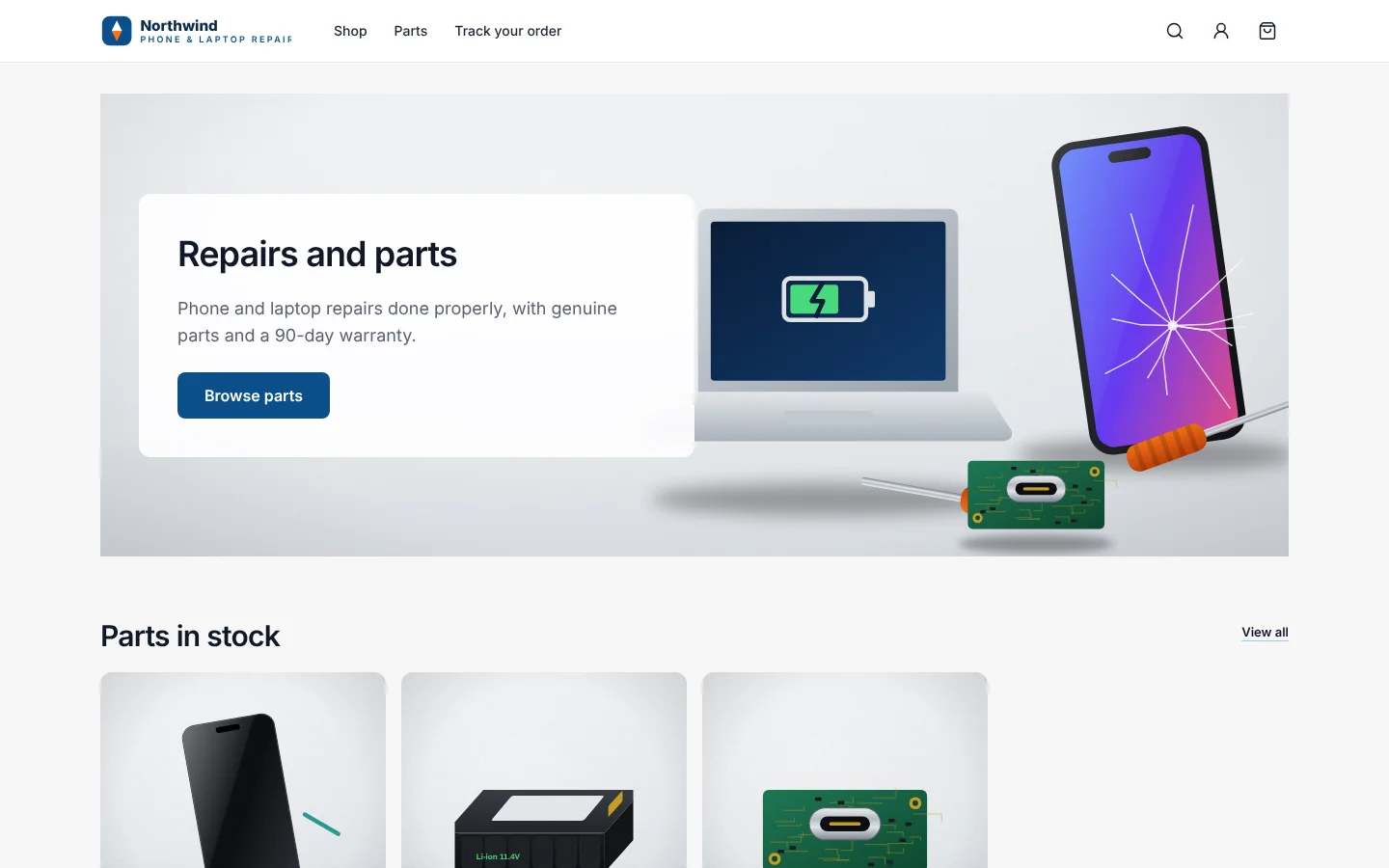
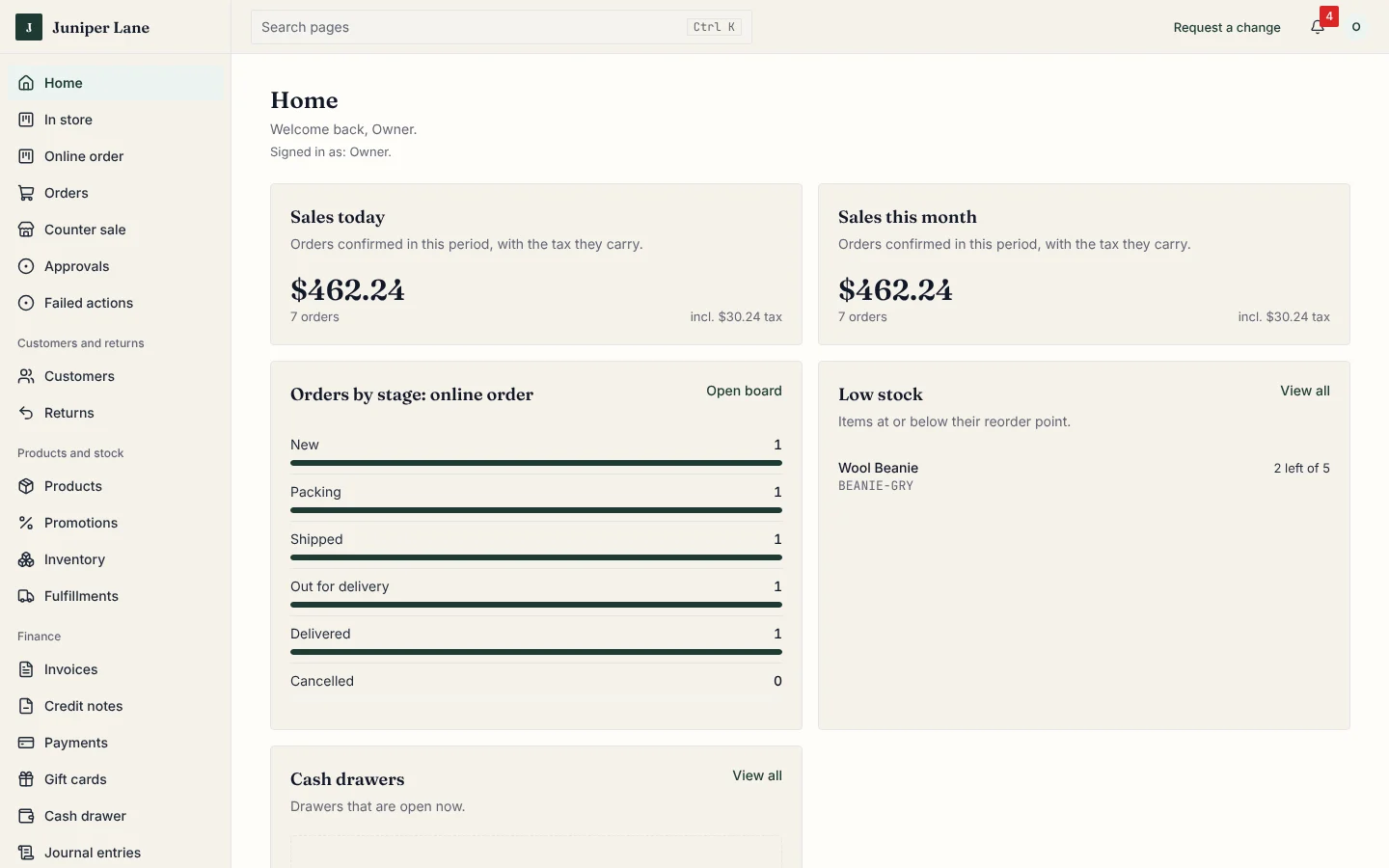
What your customers see Your own look, on phones and computers.What you see The day at a glance, with every order in its step.
A day with AnyBiz Drop-off Create the job and send the quote. Bench The technician logs time and parts. Update Move the job to a new step and the customer sees it. Pick-up Make the invoice and take payment. Questions
Questions repair and services owners ask Can I define my own steps? Yes. Each business has its own steps, set up by our team with you.
Can customers track their job? Yes. They get a link to a page that shows the current step.
Do you handle sales tax? Yes. Tax is worked out on the invoice using your tax settings.
Can technicians use it on a phone? Yes. The technician's job screen is made for phones.
Who sets it up? Our team sets it up with your steps, roles and brand before you start.
Book your free 30-minute demo Tell us about your repair and services and we will show AnyBiz set up the way you work.
AnyBiz for other businesses